Log in to Your Melbet Account in Kenya 2026
Having an account with Melbet Kenya is a prerequisite for signing in. Put simply, logging in is exclusive to those who have already signed up. Logging in with Melbet is easy, and the platform allows you to choose how you want to do it.
Melbet Mobile App Login
Melbet Kenya is widely accessible through mobile devices, as the company offers a fully optimised mobile site, and there’s an app for both Android and iOS users.
Here’s a step-by-step guide on how to access your account via the Melbet app:
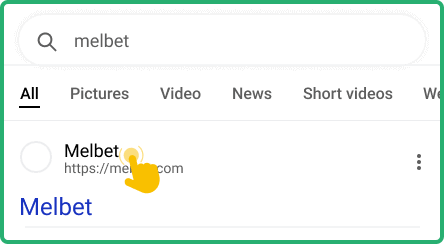
Visit the official Melbet Kenya website using our exclusive link. It will take you to the website in your preferred mobile browser.

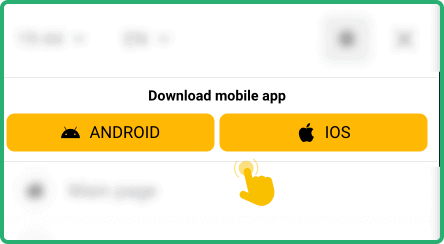
Go to the “Apps” section and download the application that’s compatible with your device. Alternatively, you can use the QR code on the homepage.

After downloading it successfully, proceed and install it on your mobile device. The iOS app will install automatically, though.

Open the app upon a successful installation process and use your credentials to log in to your account by email, ID or SMS.

| Parameter |
System Requirements |
| Operating system |
Android 5.0 or higher and iOS 12.0 or later |
| Random-access memory |
At least 1GB RAM recommended |
| Storage space required |
Needs a minimum of 40MB of storage for Android and 175MB for iOS |
| Internet connection |
Requires stable internet for full app functionality |
Melbet Login via Website
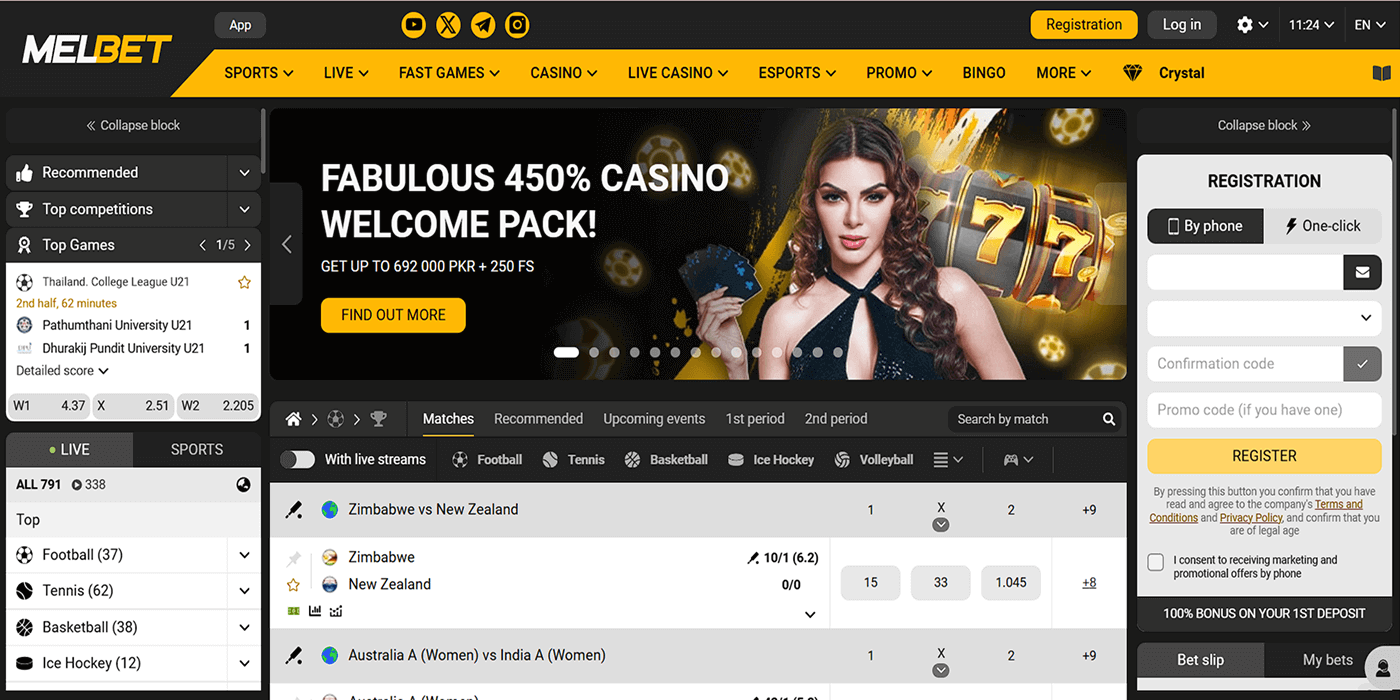
The easiest way to log into your Melbet Kenya account is via the website, as you don't have to download anything to do it. Here’s a step-by-step guide on how to access your account using the desktop site:
- Step 1. Go to the site. Click our dedicated link to access the official website. By using the link, you ensure you get to the original platform.
- Step 2. Hit the “Log In” button. Click on the Log In button in the upper-left corner next to the Registration button.
- Step 3. Choose a login method. Pick your preferred login option, i.e., by email/ID, phone, or SMS. The method basically depends on your sign-up method.
- Step 4. Input login details. Enter the required login info and hit the yellow “LOG IN” button. Accuracy is essential when keying in the required login details.
Melbet Sign-in Issues & Solutions
There’s no online gambling platform where users don’t encounter login issues. So, understanding common ones and how to solve them will help you access your Melbet Kenya account effortlessly.
Below are the most common problems and the possible solutions.
- Forgotten Account Password
You may forget your password if you stay long without logging into your Melbet Kenya account. However, you shouldn’t worry because you can recover it singlehandedly.
How? When logging in, click on the “Forgot your password?” link, choose how you want to recover your password and follow the easy prompts.
The account lockout issue is usually temporary and may arise when you try to log into your account several times with little success. Don’t panic if that happens. Wait for at least 30 minutes and try to log in again.
If that doesn’t work, reset your password. Sometimes, even resetting your password may not unlock the stalemate. Therefore, it is advisable to contact customer support for assistance if the lockout problem persists.
- Technical Issues With Account Login
Kenyans betting and playing games on the Melbet gambling platform might also experience login problems due to technical glitches. The following table shows common technical issues you might encounter when logging into your account.
| Issue |
Possible Cause |
Solution |
| Page won’t load |
The internet signal might be weak. Another likely cause is a corrupted or outdated browser |
Ensure your WiFi connection is stable. You can also switch to mobile data or update your browser to the latest version. |
| Login error |
Your account might be suspended for a while or your login details are inaccurate |
Login error is caused by different factors. Contact customer support if you can’t establish the actual cause. |
| App crashes |
Outdated device software or the app version might be old. Insufficient memory may also occasion crashes |
Update the software on your mobile device and make sure you have the latest app version. Also, free up space on your device. |
| Login button unresponsive |
There might be a bug in the code that controls the button or in your browser |
Update or reinstall the app. Try a different browser if you are using the website. |
Always contact the Melbet Kenya customer support team for help should any of these problems persist. Here are their contact channels:
- Live chat: Available on the platform
- Email: Use the provided contact form
- Toll-free number: 0800723007