

Log in to Your Mozzart Bet Account in 2026 Kenya
To log in to Mozzart Bet, you must first have a registered account. Why? Because only registered users can sign in. The login process at Mozzart Bet is not only simple, but it also offers several convenient ways to complete it quickly and securely, as shown below.
| Method | Description | Link |
|---|---|---|
| Mobile app | Ideal for both Android and iOS devices | Download Mozzartbet App |
| Website | Works seamlessly on desktop and mobile browsers | Mozzartbet Website Login |
| Lite version | Optimised for users with low data plans or slower internet connections | Mozzartbet Lite Login |
MozzartBet Mobile App Login
Mozzart Bet is widely accessible on mobile devices, offering a seamless experience through its Android and iOS apps and mobile website. Either way, accessing your account on the go is simple and quick.
Here’s how to log in via the mobile application:
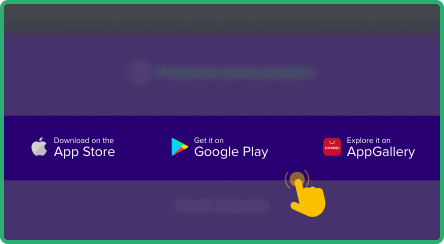
Visit the Mozzart Bet site and install the Android app directly from the download link.
Tap the Mozzart Bet icon to launch the application on your phone or tablet.

Look for the "Mobile number" and "Password" fields at the top right corner of the home screen.
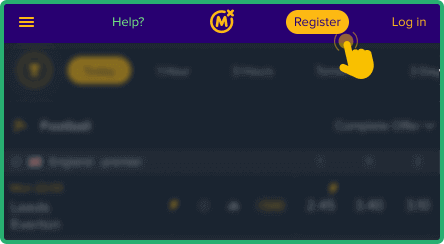
Type your registered mobile number and password, then tap "OK" to access your account.
| Parameter | System Requirements |
|---|---|
| Operating system | Android 7.0 or higher and iOS 17.0 or later |
| Random-access memory | At least 1GB RAM recommended |
| Storage space required | Needs a minimum of 120MB of storage |
| Internet connection | A stable internet connection is needed for the app to work properly |


Mozzart Bet Login via Website
Logging in through the Mozzart Bet website is the most straightforward method and works on any device that has internet access. There is no need for any downloads. The process takes just a few quick steps, and you're in. Here’s how to log in using the website:
- Go to Mozzart Bet. Open the Mozzart Bet official website using our published link. It will take you to the platform in your preferred browser.
- Find the Login section. You will see two fields in the top-right corner of the homepage - Mobile number and Password.
- Enter Your Details. Type in your registered phone number and the password in the appropriate boxes.
- Access Your Account. Hit the blue "OK" button, and you'll be directed to your betting dashboard.

MozzartBet Sign in via Lite Version
The Mozzart Bet Lite version is a simplified interface made for users with slower internet or older smartphones. It loads quickly, uses minimal data, and still allows full access to betting, balance checks, and withdrawals – perfect for bettors who want speed, savings, and reliability without sacrificing core features. Here’s how to access it.
- Open the https://m.mozzartbet.co.ke/betting website.
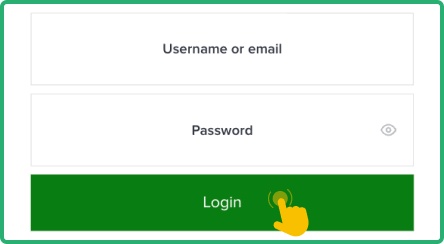
- Tap the "Login" button.
- Enter phone number and password.
- Tap "Login" to access the account.
Mozzart Bet Data Free Login
Understanding data consumption is essential for Kenyan bettors aiming to manage their internet costs efficiently. Sometimes, Mozzart Bet might partner with Kenyan mobile operators to offer free data access, although no such promos are available at this time.
Nevertheless, Mozzart Bet provides smart options to reduce data usage, such as its Mobile Lite site and Mobile Plus alternatives, while still allowing easy access to login, account balance, betting, and withdrawals. These versions help preserve mobile data without compromising core site functionality.
| Method | Data Usage | Features available |
|---|---|---|
| Lite version | Very low | Offers only basic features such as simple betting and account management |
| Mobile app | Moderate | Provides complete functionality with the option for offline access |
| Desktop website | High | Delivers full features, including live betting and streaming |