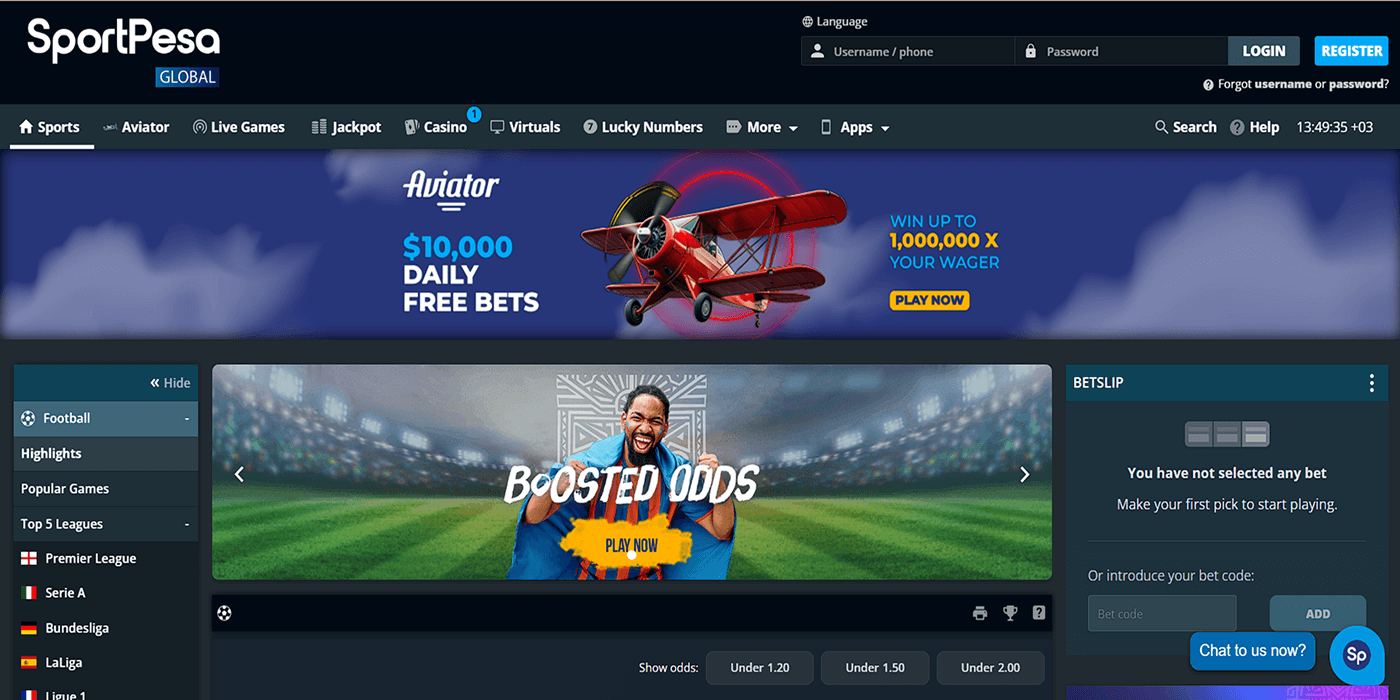
Log in to Your Sportpesa Account in 2026
You can only sign in to SportPesa Kenya if you already have a registered account. Unregistered users won’t be able to place bets, withdraw funds, or access account tools, so signing up is a must.
Fortunately, SportPesa provides a smooth and flexible login process for returning users on mobile and desktop platforms.
Sportpesa Mobile App Login
SportPesa provides an official mobile app for both Android and iOS, making it very accessible to Kenyan players. Apple users can get the app from the App Store, while Android users can download the APK directly from the SportPesa website. Here is the simple login process via the SportPesa app:
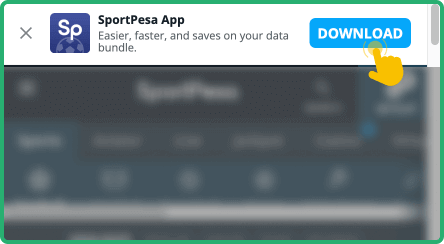
Visit SportPesa’s site or the App Store to download and install the appropriate app for your gadget.

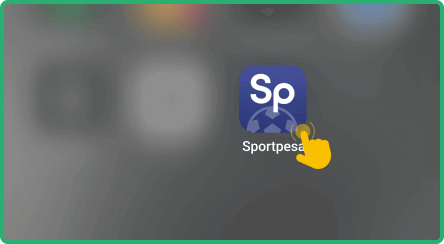
Launch the mobile application from your mobile home screen or app drawer.

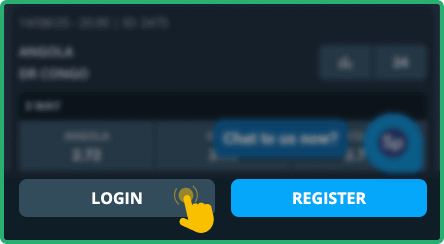
Tap the “Log In” icon at the top of the opening page next to the Registration button.

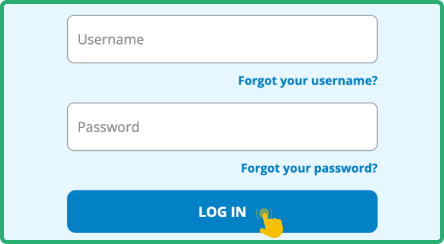
Provide your registered phone number and password, then tap "Log In" to access your dashboard.

| Parameter |
System Requirements |
| Operating system |
Android 5.0 or higher and iOS 11.0 or later |
| Random-access memory |
At least 1GB RAM recommended |
| Storage space required |
Needs a minimum of 98MB of storage |
| Internet connection |
Requires stable internet for full app functionality |
Sportpesa Login via Website
Logging in through the SportPesa website is one of the commonly used methods because it is very simple and consistently reliable. This option is ideal for desktops, laptops, or mobile browsers. It requires no downloads and gets you straight into the betting action within seconds.
To log in via the website, here are the quick and easy steps to follow:
- Go to the official site. Visit SportPesa’s official website by following the official link posted below. You can use any web browser on your device.
- Click the Log In button. Enter your mobile number and password in the designated boxes at the top-right corner of the page.
- Finish signing in. Press the LOGIN button to submit your information and continue to your account.
- Start betting. Once logged in, you can proceed to depositing and making real money bets. Don't forget to check the bonus section.
Sportpesa Data Free Login
For a lot of Kenyans, keeping mobile data usage in check is essential, and many are on the lookout for zero-data access or data-free login offers. SportPesa doesn’t currently offer any official partnership with local mobile networks, but the platform does help reduce data costs with a responsive site and low-bandwidth design.
Whether you’re using Wi-Fi or bundles, SportPesa keeps things light by avoiding heavy graphics or background processes – perfect for conserving mobile data while logging in and betting.
Sportpesa Sign-In Issues & Solutions
Even a stable platform like SportPesa can have occasional login issues. Knowing the common problems and fixes can help you stay connected and avoid delays. See the usual culprits below.
Forgot your SportPesa password? Don’t stress – it happens more often than you realise. To begin recovery, click “Forgot Password?” on the login screen. You’ll be prompted to enter your phone number, after which SportPesa sends a verification code via SMS to help you reset your password quickly and regain access.
- Temporary Account Lockout
Too many incorrect login attempts can trigger a temporary lock on your SportPesa account as a safety precaution. It's a good way to keep unauthorised individuals from accessing your account. If this happens, here are a few things that you can do:
- Wait around 30 minutes and try again.
- Use the “Forgot Password” tool to reset your details.
- Contact SportPesa customer care for help unlocking your account.
- Check that you’re entering the right phone number and password combination.
Technical hiccups cannot always be avoided, even with top platforms. Below are some of the most common login-related issues and what you can do to fix them:
| Issue |
Possible Cause |
Solution |
| The site doesn't load |
Your network could be slow, or the site might be undergoing updates |
Refresh the page or switch to a stronger connection and try again later. |
| Login error message appears |
System glitch or incorrect login info entered repeatedly |
Double-check your info, then refresh and retry after a few minutes. |
| Mobile app crashes |
Outdated app or device overloaded with too many apps open at once |
Reinstall the Sportpesa app to clear background bugs, or simply restart your device. |
| Login button is unresponsive |
Extensions, outdated browser versions, or heavy cache might interfere with functionality |
Update your browser, clear cache, or try using another browser or device. |
If these solutions are not helpful, it would be best to reach out to SportPesa customer support via any of the following channels: