Log in to Your SportyBet Account in 2026 Kenya
One crucial thing to know is that only users with registered SportyBet accounts can sign in and access betting features. Once you have already created an account, logging into SportyBet is easy and can be done in multiple convenient methods, ensuring full access whether you're on the web or mobile.
Sportybet Mobile App Login
SportyBet Kenya offers an official mobile app for both Android and iOS, available directly through its website. These apps make SportyBet ideal for betting on the go, delivering smooth performance, fast navigation, and all features available on the desktop version. Here’s how to log in via the SportyBet mobile app:
Visit SportyBet’s website and install the app using the appropriate link on the download page.

Tap the SportyBet icon on your phone to launch the application on your phone or tablet.

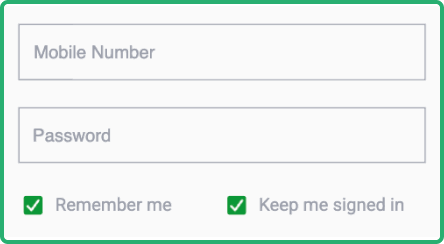
Find the Mobile number and Password fields at the top-right corner of the home screen.

Type in your registered phone number and password, then tap "Log In" to proceed.

| Parameter |
System Requirements |
| Operating system |
Android 7.0 or higher and iOS 15.0 or later |
| Random-access memory |
At least 1GB RAM recommended |
| Storage space required |
Needs a minimum of 194MB of storage |
| Internet connection |
Requires consistent connectivity to ensure smooth performance |
Sportybet Login via Website
Logging in via the SportyBet website is the easiest and most commonly used method. The process is the same whether you do it on your smartphone, tablet, laptop, or desktop. There is no app required. All you have to do is just make sure you have a stable internet connection and follow these steps:
- Open the SportyBet site. Using any browser, use our link to go to the SportyBet official website.
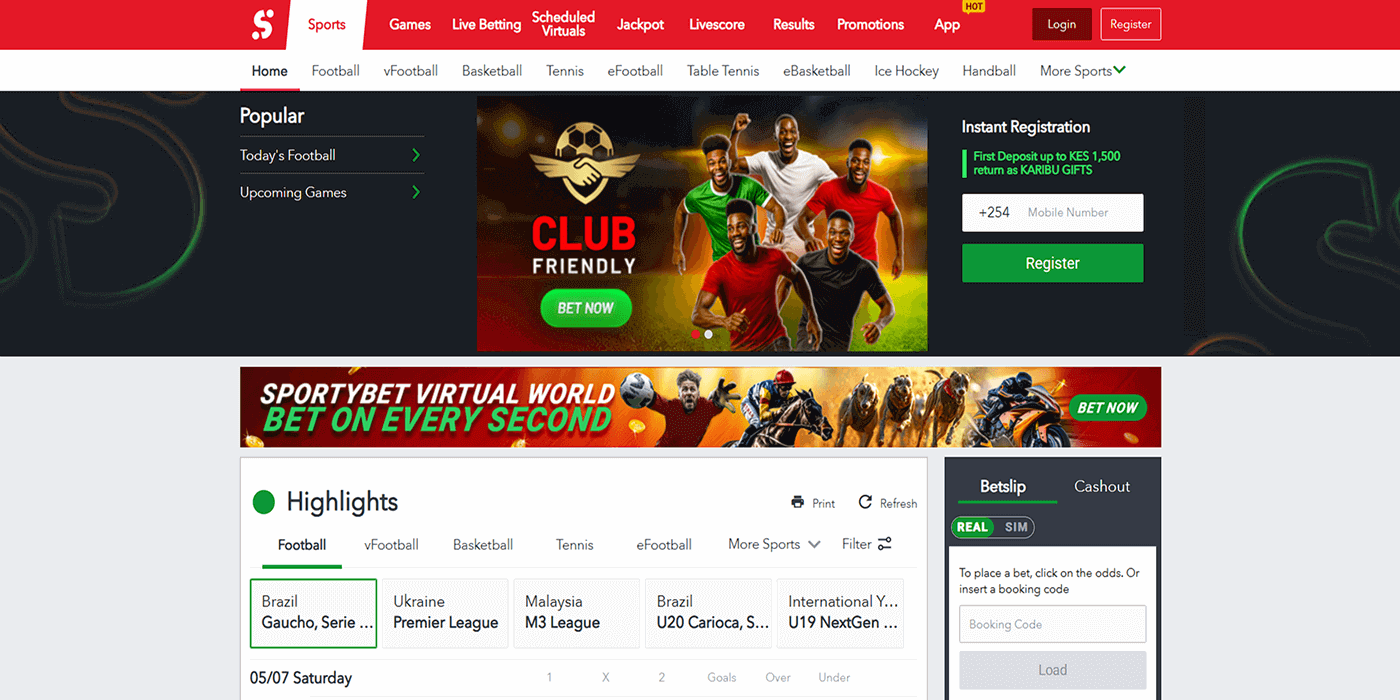
- Find the Login Area. Locate the Login boxes and button at the top-right corner of the page.
- Enter your Details. Input your registered phone number and password accurately.
- Click the Login Button. Double-check your details and tap on the Login button to access your account.
SportyBet Data Free Login
Managing data usage is vital for Kenyan bettors to control their internet expenses. SportyBet provides smart, lightweight tools to minimise data consumption while ensuring smooth access to your account, bets, balance, and withdrawals.
While no partnerships currently exist with Kenyan mobile operators for zero‑rated or free-data access, SportyBet helps keep data use low through its efficient and fast-loading app (using under 6 MB per session) and a streamlined mobile site that avoids bulky scripts and extra visuals.
| Method |
Data Usage |
Features available |
| Lite version |
Very low |
Minimal functionality: wagering and profile management |
| Mobile app |
Moderate |
All tools unlocked plus offline mode |
| Desktop website |
High |
Everything unlocked: pre-match, live bets, and streaming |
SportyBet Sign-In Issues & Solutions
SportyBet is a top-notch betting site, but even so, login issues could still occur. Knowing about common problems and their fixes helps ensure uninterrupted access. Here are some often-encountered challenges.
- Forgotten Account Password
Forgetting your SportyBet password can happen, especially if infrequent login activity occurs. Don't worry, as there's an easy fix. Just tap the "Forgot password?" link on the login area on the homepage, then enter your registered phone number. You'll receive a reset code via SMS to restore access securely.
Repeated failed login attempts can lead SportyBet to temporarily lock your account to protect it. This is to prevent unauthorised entities from gaining access to your account. If you experience a lockout, don’t panic. Wait a while before trying again, or reset your password to regain access. Here are some steps you can take:
- Allow 30 minutes before retrying login.
- Use password reset if unlocking fails.
- Contact SportyBet support for faster assistance.
- Confirm that your login credentials are correct.
- Technical Issues With Account Login
Technical glitches sometimes affect login despite platform reliability. Here are common issues, possible causes, and solutions:
| Issue |
Possible Cause |
Solution |
| Page fails to load |
Internet connection might be poor or intermittent, or the site might be undergoing maintenance |
Try hitting the refresh button, check your signal, and open the page again after a few minutes. |
| Error messages during login |
There might be temporary system glitches or multiple wrong password entries |
Double‑check credentials, reload the page, then try logging in again after a short wait. |
| App freezes or shuts down |
There might be too many open apps on your device, or the app is outdated |
Clear cache and cookies, close other apps, or restart the device and reinstall a new app version. |
| Login button doesn’t respond |
Browser extensions, ad blockers, or script blockers might be interfering |
Disable extensions or try opening the site on a different browser or device. |
If these issues persist, players should contact SportyBet customer support via: